
UW-Gaming.de - United Warriors Gaming
 von
Childe
»
23.07.2026 10:56:46
von
Childe
»
23.07.2026 10:56:46
Have you ever been stuck somewhere—like a school computer lab or an office workstation—where downloading games is strictly blocked, but all you want to do is build, mine, and explore? We’ve all been there. Luckily, the gaming community always finds a way. One of the most fascinating solutions to pop up in recent years is Eaglercraft, a project that brings the full charm of classic Minecraft straight to your web browser without requiring a single download.
Here is a look at what makes this browser-based version so much fun, how it works, and a few tips for getting the best experience out of your session.
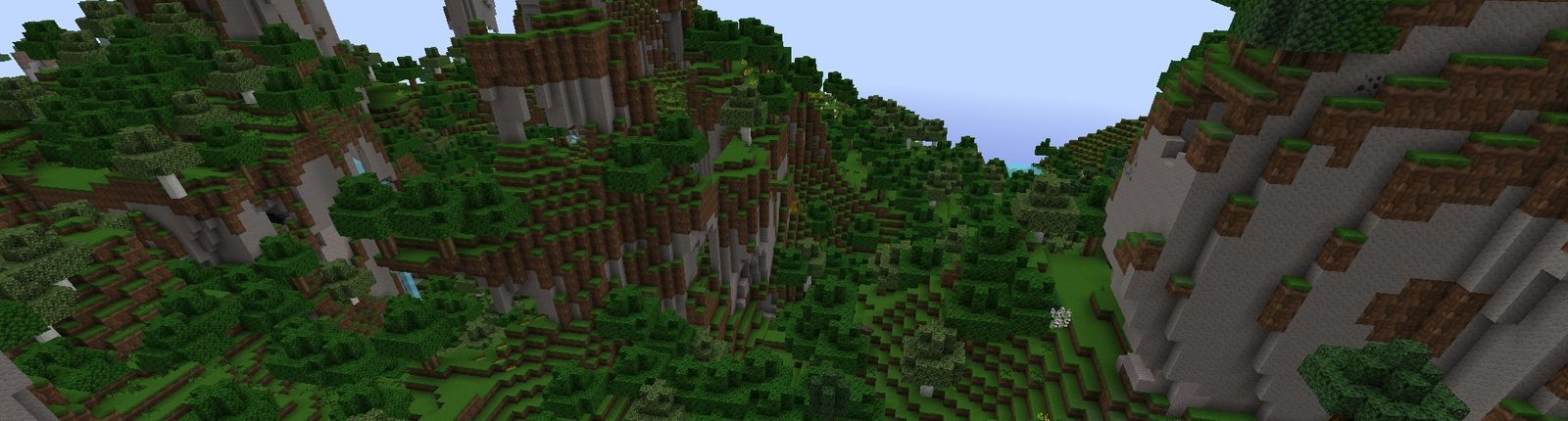
At its core, the experience is wonderfully familiar. If you have ever played traditional Java Edition Minecraft, you will feel right at home within seconds. The game runs smoothly in standard web browsers like Chrome, Firefox, or Edge, rendering blocky worlds entirely in HTML5 and JavaScript.
You can jump into single-player worlds, gather wood, dig for diamonds, build sprawling castles, and fight off creepers just like you would on a desktop application. Beyond single-player, many versions support multiplayer servers, allowing you to team up with friends or join public servers to play mini-games, build cooperatively, or test your skills in PvP arenas. The controls are mapped intuitively to your standard keyboard and mouse, making movement and combat surprisingly responsive for a browser game.
While running a game inside a browser is convenient, it does come with a few quirks. Here are some simple ways to make your gameplay smoother and more enjoyable:
Whether you are looking to kill some time during a break, introduce a friend to block-building games without the hassle of installations, or just see what browser-based tech is capable of, exploring this classic sandbox format is well worth your time. It proves that great games don't always need heavy hardware or complex launchers—sometimes, all you need is a browser, a keyboard, and a little bit of creativity.